

Matrix Connector
Connecting DICE Matrix with Microsoft Dynamics 365 Business Central.

The DICE Matrix Connector is a Microsoft AppSource app that integrates DICE Matrix with Microsoft Dynamics 365 Business Central, allowing the two systems to function as if they are one platform.
The DICE Matrix Connector works with the following DICE Modules:


DICE Matrix Dealer Billing - Generates dealer invoices within DICE Matrix and sends them through Microsoft Dynamics 365 Business Central.

API Order Log - Shows the status of each invoice sent from DICE Matrix. This includes whether an invoice was created, posted, or emailed, along with any error details if the posting process failed.
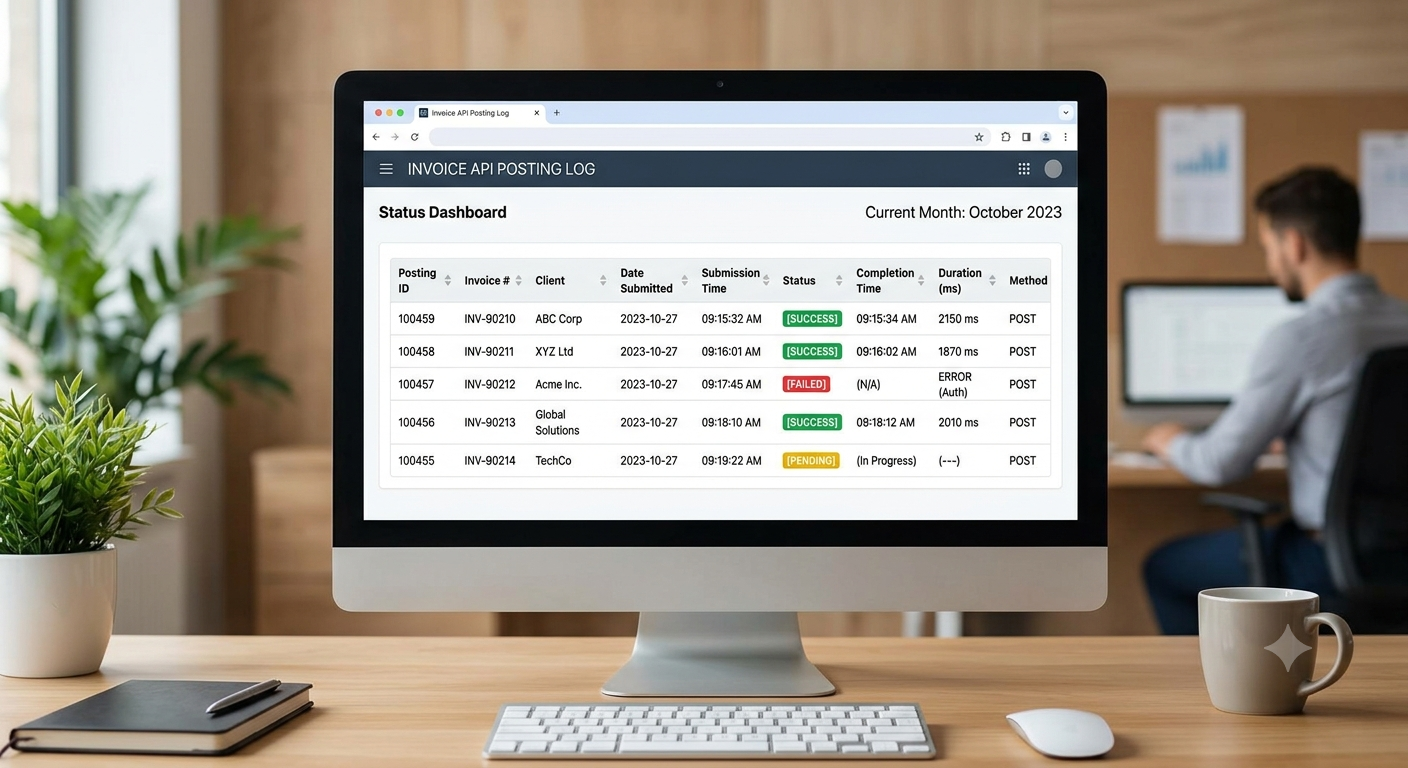
API Posting Log - Invoices are typically posted from DICE Matrix in batches. This log shows the status of each posting request, along with when it was submitted and when it completed.
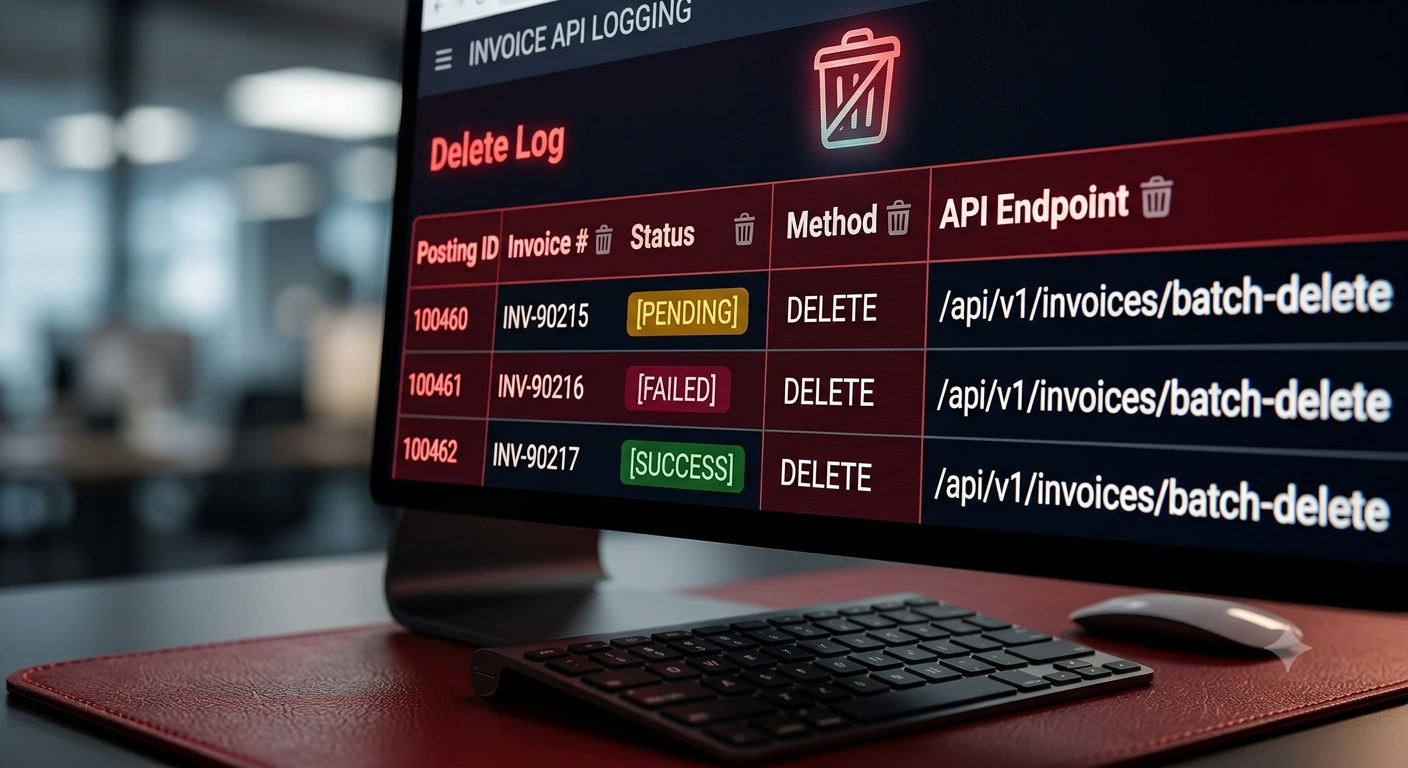
API Delete Log - If an issue affects a batch of invoices, they may need to be deleted rather than posted. This log tracks each delete request, its status, and when it was submitted and completed.
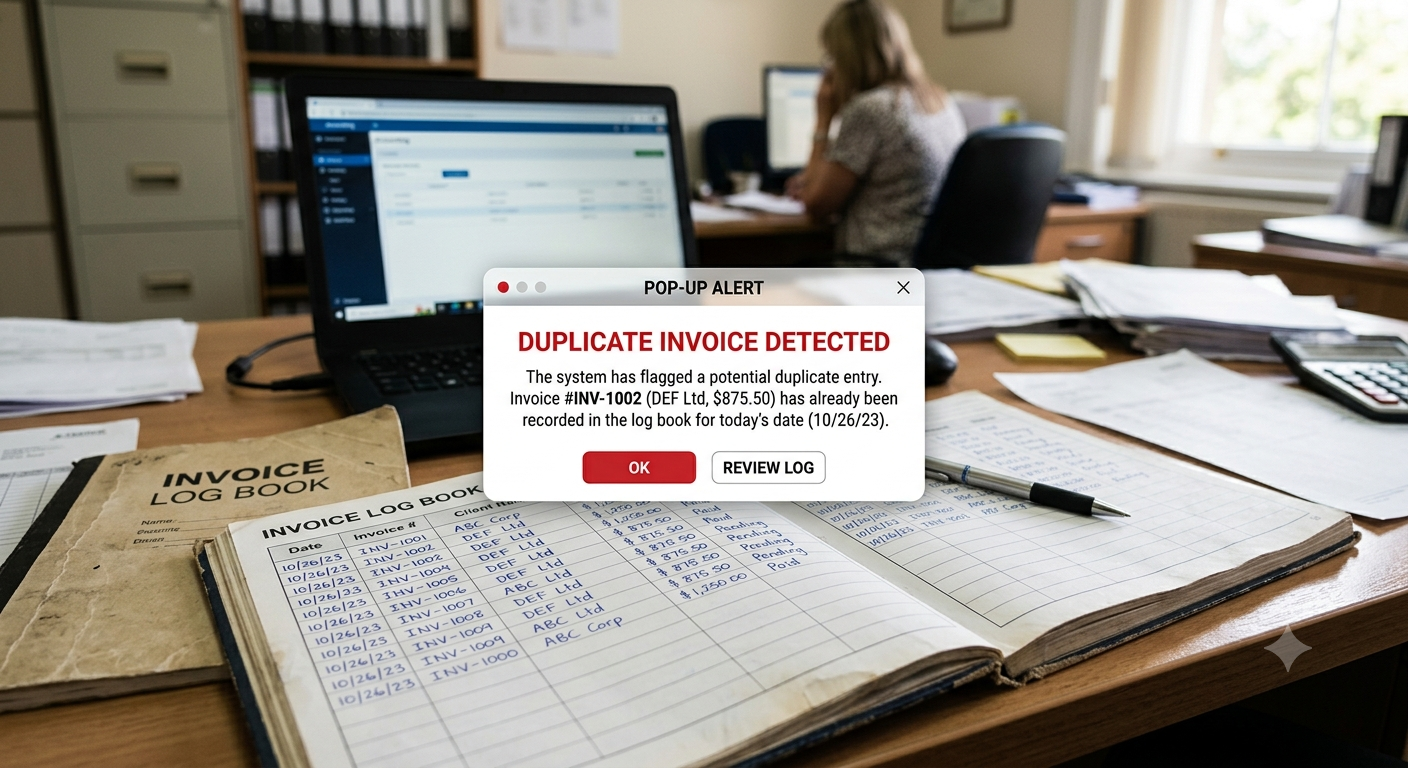
Invoice Utility - This tool is used to fix invoices that get stuck in a status Business Central doesn't recognize. For example, it can remove a duplicate unposted invoice, or reset the posting flag after a failed attempt so the process can be run again.